Horror Games in Your Browser
Most horror games in the browser follow one pattern: you are stuck in a hostile place, something is hunting you, and you need to find items or a way out before it finds you. The tension comes from limited information, not from complicated systems.
Expect first-person 3D, keyboard and mouse movement, and short sessions built around a single location such as a house, an office, a village or a station.
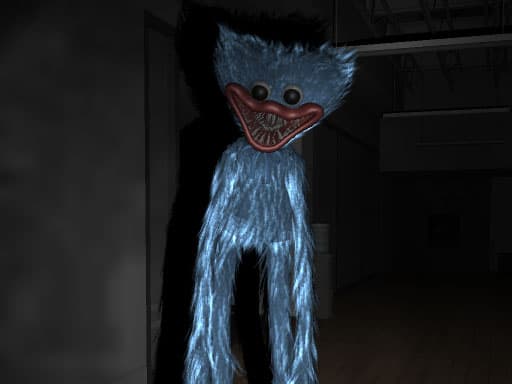 Poppy Office Nightmare
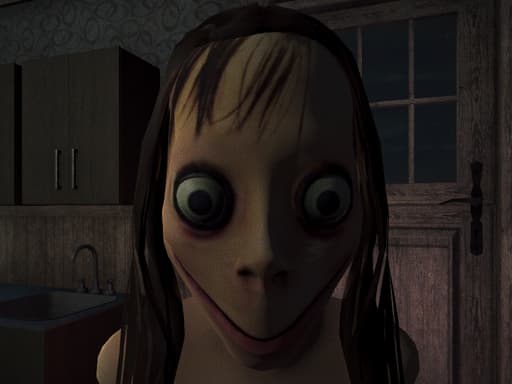 Momo Horror Story
 Scary Granny
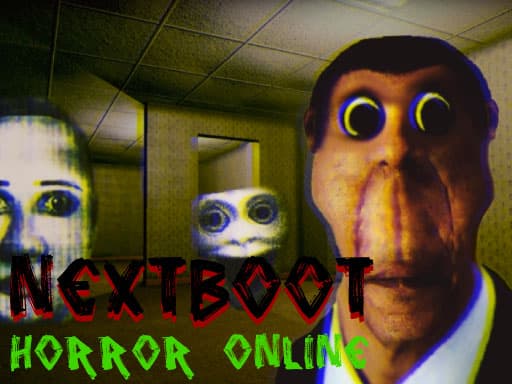 NextBoot Horror Online
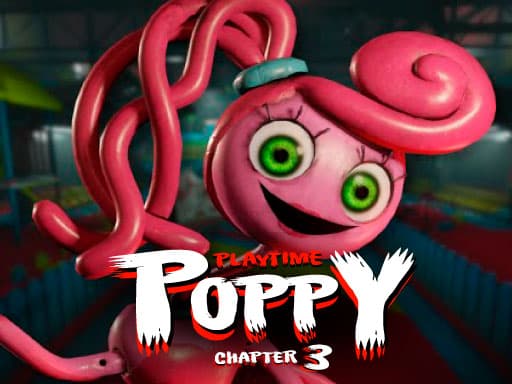 Poppy Playtime Chapter 3
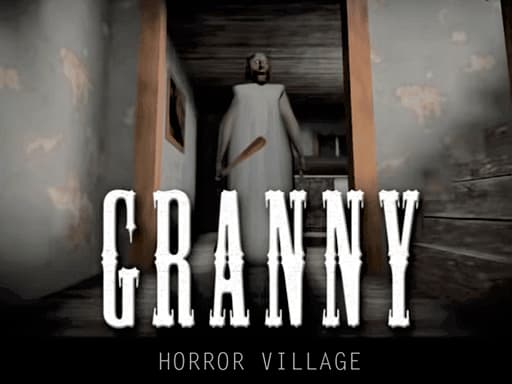 Granny Horror Village
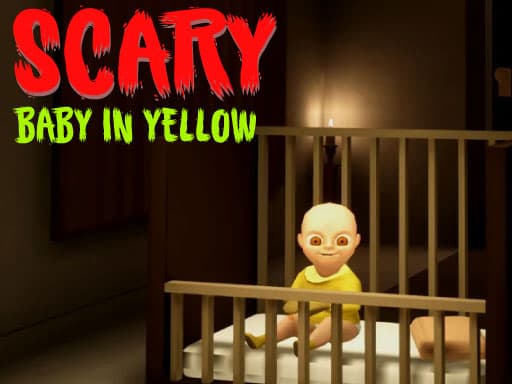 Scary Baby in Yellow
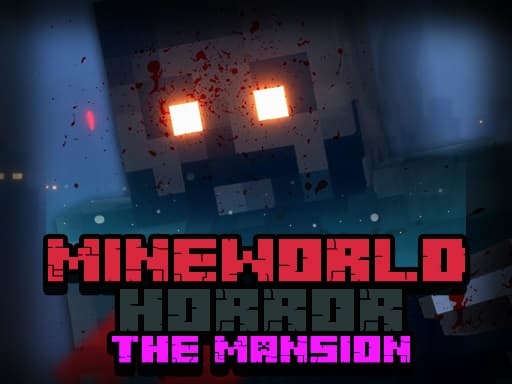 MineWorld Horror The Mansion
 Five Nights at Shreks Hotel
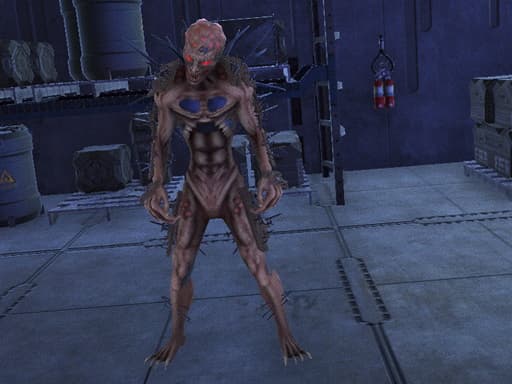 Deep Space Horror: Outpost
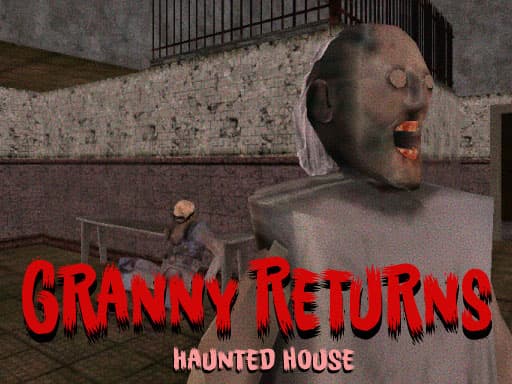 Granny Returns Haunted House
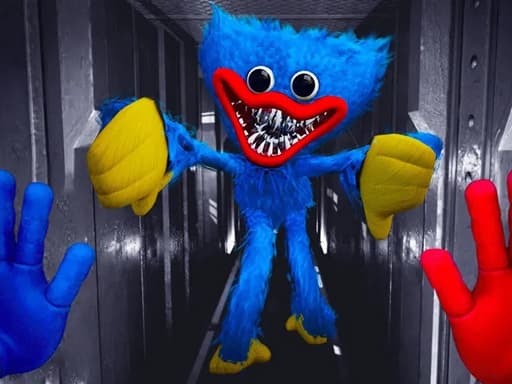 Scary Huggy Playtime
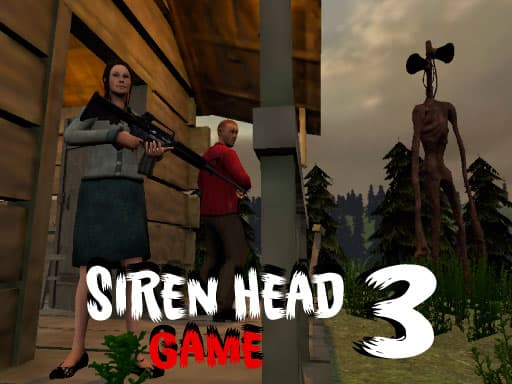 Siren Head 3 Game
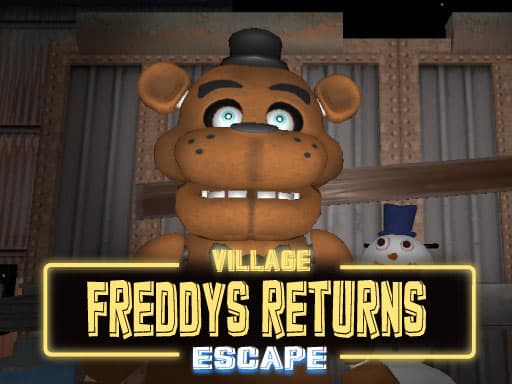 Freddys Return Village Escape
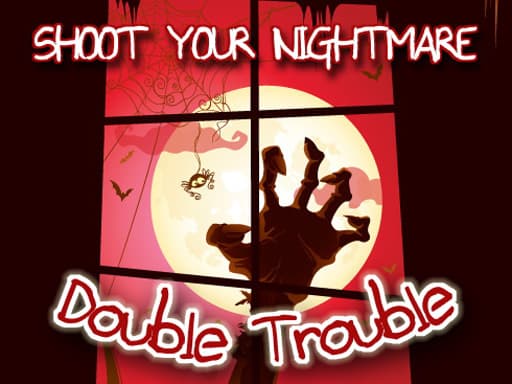 Shoot Your Nightmare - Double Trouble
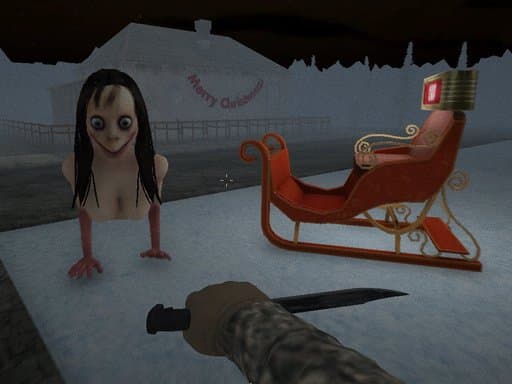 Christmas: Night of Horror
 Tung Tung Sahur Hidden Bedug
 Ice Scream Horror Adventure
 Backrooms Slender Horror
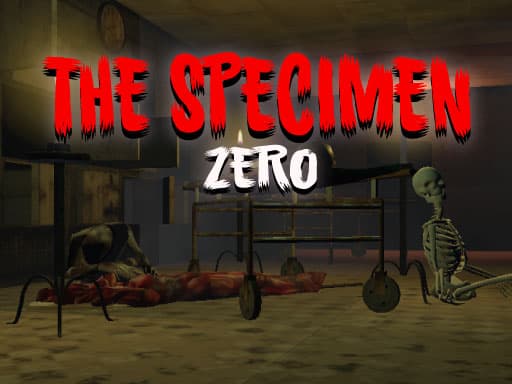 The Specimen Zero
 Dead Faces : Horror Room
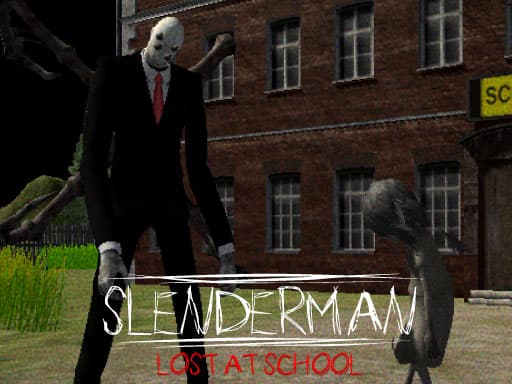 Slenderman Lost at School
 Horror Granny Escape
 Slenderman History: WWII Faceless Horror
 Scary Monsters Coloring
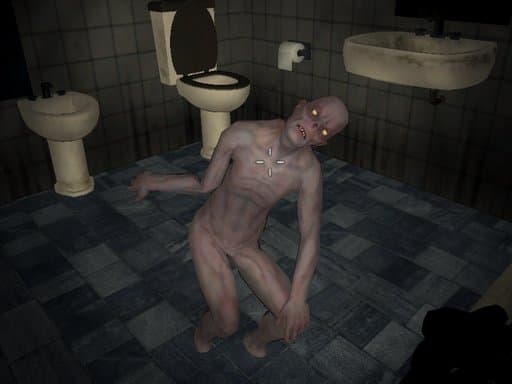 Shoot Your Nightmare: Wake Up
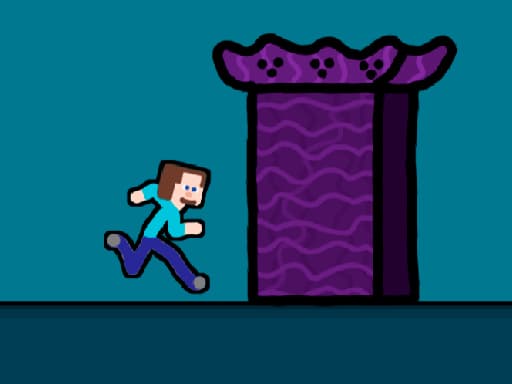 Steveman Horror
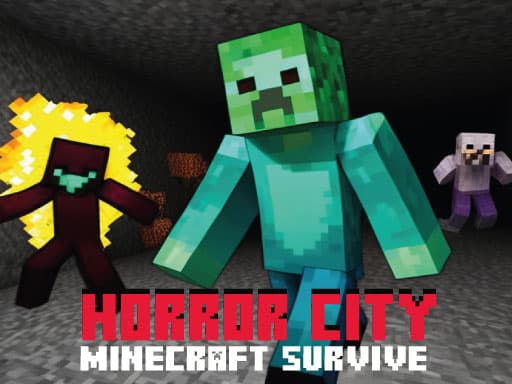 Horror City Minecraft Survive
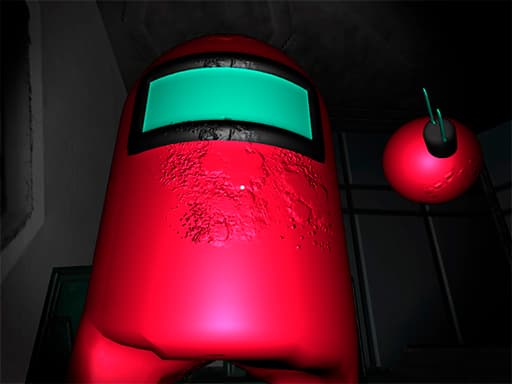 Among US Horror 3D
 ICESCREAM HORROR NEIGHBORHOOD
 Office Horror Story
 Shoot Your Nightmare: Space Isolation
 Shoot Your Nightmare: Halloween Special
 Dinosaurs Scary Teeth Puzzle
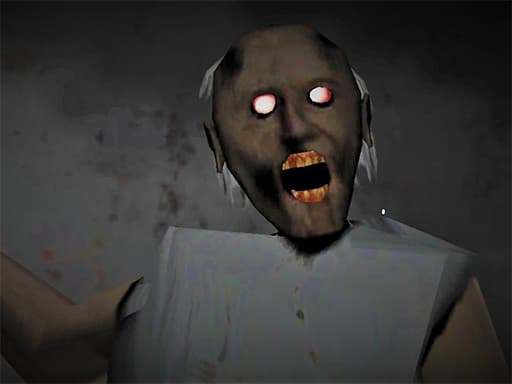 Evil Granny: Horror Village
 Death Park: Scary Clown Survival Horror Game
 Incredibox Party Frozen Sprunki Beat
 horror baby in yellow vs granny scary simulator
 Baby Taylor Defeats Nightmare
 Sprunki Music Scary Beat Box
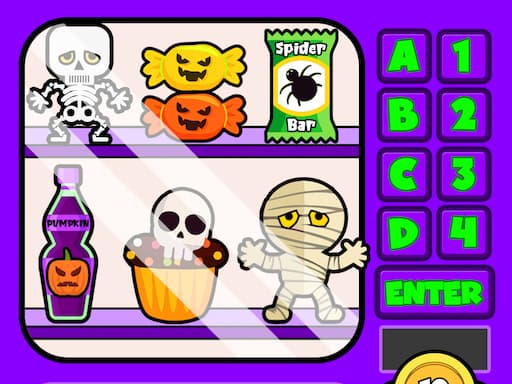 Scary Vending Machine
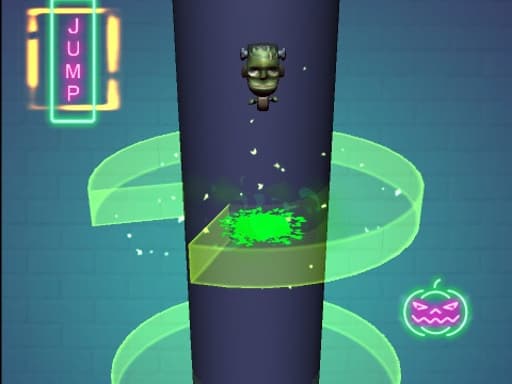 Scary Helix
 NewOne Last Clown
 NewScary Toilet Monster Game
 NewBrainrot Escape: Diamond Quest
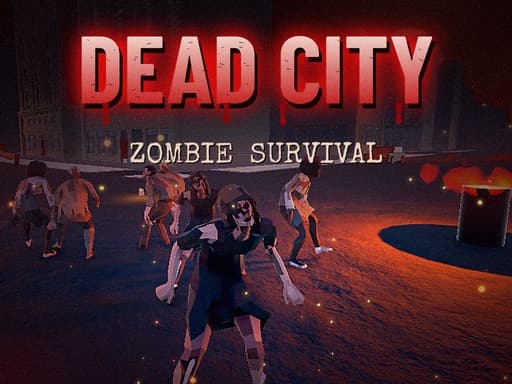 NewDead City: Zombie Survival
 NewDONT SPLASH
 NewHaunted Panic
 NewScary Granny: Horror Maze Escape
Sneaking, searching and fighting in these horror titles
Three activities cover nearly everything here: sneaking, searching and fighting back. Sneaking means keeping distance, using crouch and watching sightlines. Searching means collecting keys, toys, cells or tools. Fighting back ranges from a single knife to full shooter controls.
Poppy Office Nightmare is a good example of the search type: you look for lost toys in a dark office while avoiding Huggy Wuggy, and you can crouch, jump and attack. Deep Space Horror: Outpost sets a clear goal, collecting 8 Energy Cells to keep your cruiser going.
Choosing a horror game by its movement and goal
Look at the movement and camera keys before anything else. Games with WASD, mouse look, run and crouch give you more ways to survive than games that only offer arrow keys. Scary Granny uses arrows for movement and camera on desktop, so expect a plainer, more direct chase.
Then decide what kind of pressure you want. Granny Horror Village leans on puzzles, where you look around and solve challenges to escape. Granny Returns Haunted House mixes escape, collecting and shooting. Siren Head 3 Game and MineWorld Horror The Mansion lean toward shooter play, with fire and aim buttons. Freddys Return Village Escape has an escape mode meant to help you learn the area first.
- Puzzle and escape focus: Granny Horror Village, Freddys Return Village Escape
- Chase and collect: Poppy Office Nightmare, Scary Baby in Yellow
- Shooter leaning: Siren Head 3 Game, Deep Space Horror: Outpost
Tips for handling chase-based horror
Spend the first minute walking the space without taking risks. Learn where doors and corners are, because those are where most chases are decided. If a game has a run key, such as Shift in NextBoot Horror Online, work out how long you can sprint before committing to it.
Play with sound on and headphones if you can. Audio is often your only warning. Take breaks between levels, since long sessions make you rush and rushing gets you caught.
Many titles borrow familiar names and characters but are just browser games on the site. Parents should look at a game themselves before letting younger players try it.
Frequently asked questions
Are horror games here played in first person?
Most of the examples are 3D with mouse look, such as Granny Horror Village and Scary Baby in Yellow. Check the controls line for the camera setup.
Which game suits a first-time horror player?
Freddys Return Village Escape has an escape mode meant for getting familiar with the area. Starting there lets you learn the layout before facing pressure.
Can I fight the monster?
It depends. Scary Granny lets you use a knife, Siren Head 3 Game mentions an ax, and Granny Returns Haunted House includes shooting. In others, hiding is the safer choice.
Do these games need a mouse and keyboard?
Most of these use WASD and a mouse, so a computer works best. Scary Huggy Playtime lists mouse or tap controls.
Are these horror titles suitable for younger players?
We cannot promise that. Some are tagged for kids, but horror themes vary, so a parent should try the game first.
More categories
- New Games
- Popular Games
- Action Games
- Adventure Games
- Arcade Games
- Puzzle Games
- Racing Games
- Car Games
- Shooting Games
- Games for Girls
- Dress Up Games
- Casual Games
- 2 Player Games
- Multiplayer Games
- .io Games
- Sports Games
- 3D Games
- Simulation Games
- Fighting Games
- Games for Kids
- Zombie Games
- Stickman Games
- Cooking Games
- Coloring Games
- Animal Games
- Escape Games
- Bike Games
- Clicker Games
- Block & Craft Games
- Tower Defense Games
- Bubble Shooter Games
- Mahjong Games
- Physics Games
- Parking Games
- Jigsaw Puzzle Games
- Drifting Games
- Educational Games
- Halloween Games
- Christmas Games
- Match 3 Games
- Drawing Games
- Sniper Games
- Doctor Games
- Soccer Games
- Running Games
- Platformer Games
- Stunt Games
- Truck Games
- Strategy Games
- Tank Games
- Hidden Object Games
- Board and Card Games
- Space Games