PC Game Controls Explained
Most control problems in a browser game come from guessing. You press keys at random, the character drifts the wrong way, and you blame the game. A better habit is to spend thirty seconds reading the controls block and testing each input before you commit to a run.
6 min read
On this page
This guide covers the inputs you will meet on a computer: movement keys, mouse aim, modifier keys, pointer lock, fullscreen and touchpads. Examples come from games on the site, and only the controls their pages list.
WASD or arrow keys
WASD keeps your left hand on the keyboard and leaves the right hand free for the mouse, so it is the default for anything with mouse aim. Arrow keys are the older convention and suit games where the mouse does nothing, or where you play with one hand.
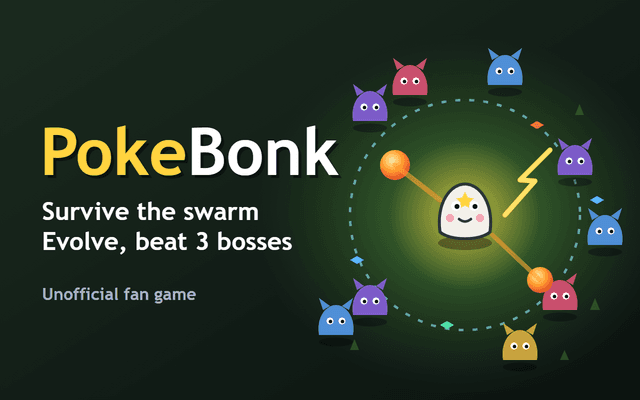
Many games accept both. PokeBonk lists WASD or the arrow keys for movement, and Fall Bros uses WASD to move and Space to jump. Pick one scheme and stay with it; switching mid-run costs you more than any layout gain.
Some games split the schemes between people instead. Drunken Boxing gives Player 1 the arrow keys and Player 2 W A S D, so two people share one keyboard without overlapping.
Mouse aim and camera look
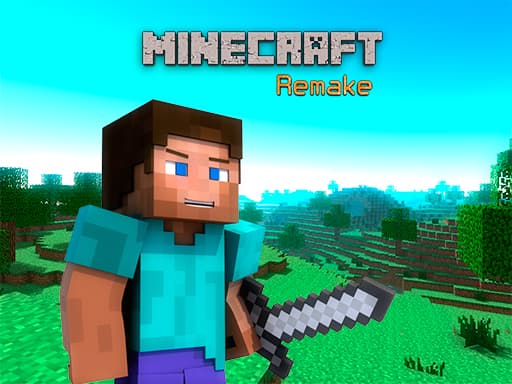
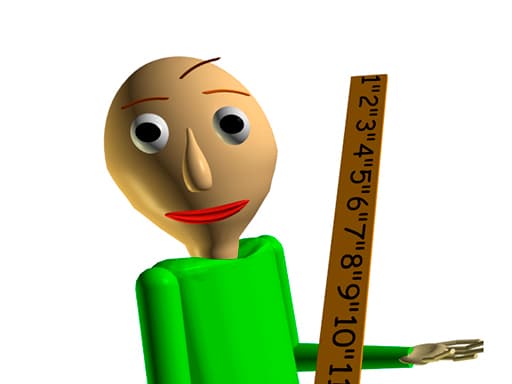
In first-person and 3D games the mouse turns the camera. Minecraft Remake lists Mouse Look next to WASD or Arrow Keys for movement, and Baldi's Basics v1.4.3 pairs WASD movement with a mouse click for its action. Moving the mouse changes where you face; the keys then move you relative to that direction.
Other games use the mouse as a pointer or a steering input. MineStrike.fun lists Move as mouse, Attack as left mouse button and Speed Up as right mouse button, so the cursor itself drives the character. Hero Rescue Puzzle and Among Us Online Edition list only mouse control, which means you can ignore the keyboard entirely.
Sprint, crouch and other modifiers
Modifier keys change how a movement key behaves. Shift is the usual one for sprinting: Minecraft Remake lists Left Shift Sprint and Baldi's Basics v1.4.3 lists Shift as Run. Hold it while you press a direction, release it to slow down.
Crouch is usually Ctrl or C in games that support it, but never assume. If the controls block does not mention crouch, the game probably has no crouch, and pressing keys to find one wastes time.
Practise modifiers in a safe spot before you need them. Sprint into a wall once so you know how far it carries you and how quickly you stop.
Common keys worth knowing
A few keys repeat across many games, which lets you start without reading much.
Treat this list as a starting guess, then check it against the controls block.
- Space: jump, as in Fall Bros, or a secondary action such as the Look back key in Baldi's Basics v1.4.3
- Shift: sprint or run
- Left mouse button: primary action or attack
- Right mouse button: secondary action, such as speed up in MineStrike.fun
- Scroll wheel: switch items, as in Minecraft Remake where it changes the block
- Esc: release the mouse and pause in many 3D games
Pointer lock and fullscreen
Games with camera look often capture the mouse. This is called pointer lock: the cursor disappears and every movement turns the view. It lets you spin freely without hitting the edge of the window.
Press Esc to get the cursor back. If you cannot click a menu, that is usually why. Click inside the game again to lock the pointer.
Fullscreen helps in a few ways. The game gets more pixels, nothing else on the page pulls your cursor away, and the pointer is less likely to slip out of the frame. It matters most for 3D games and anything with fast aim. For a turn-based or click-only puzzle you can skip it.
Playing with a touchpad
A touchpad works fine for click-only games like Hero Rescue Puzzle or Homescapes, where the controls block just says to click. It is much harder for games that need the left and right buttons while you move the cursor, such as MineStrike.fun.
If you must use a touchpad for a camera game, raise the pointer speed in your system settings and turn on tap-to-click so you do not have to press hard. A cheap external mouse still beats any setting change for aim-heavy games.
Some games list touch input too. Drunken Boxing mentions the left and right sides of a touch screen, and Skate Hooligans lists arrows or swipes. A touchpad is not a touch screen, so on a laptop use the keyboard version.
How to read a controls block
The controls block is a short list, often written quickly by the developer. Read it for three things: movement, the main action and any modifier. Everything else is secondary.
Watch for wording that hides detail. Tap or click, as in Talking Tom Gold Run Online, means one input does everything. Use mouse or keyboard, as in Tom & Jerry Run, means you can choose, so try both for a minute and keep the one that feels steadier.
In the first minute, test movement, then the main action, then any modifier. If something does not respond, check whether the game window has focus by clicking inside it once.
Frequently asked questions
Should I use WASD or the arrow keys?
Use WASD if the game also needs the mouse, since your hands stay in their usual spots. Use the arrows for keyboard-only games or when the game lists them as the main scheme.
Why can I not see my cursor in a 3D game?
The game has probably locked the pointer to control the camera. Press Esc to release it and click inside the game to lock it again.
Which games here use sprint?
Minecraft Remake lists Left Shift as Sprint, and Baldi's Basics v1.4.3 lists Shift as Run.
Can I play mouse-only games on a touchpad?
Yes for click-only games such as Hero Rescue Puzzle. It gets awkward when a game wants both mouse buttons while you move, like MineStrike.fun.
Can two people play on one keyboard?
Some games support it. Drunken Boxing gives Player 1 the arrow keys and Player 2 W A S D.
What does Tap or click mean on a computer?
It means one input does the job: a mouse click replaces a screen tap. Talking Tom Gold Run Online lists it that way.