How to Pick a Game for Your Session
Most bad sessions start with a bad pick: a game that needs a long block of time when you only have a short gap, or one built for a keyboard when you are holding a phone. Choosing takes a minute if you ask three questions first: how long you have, what you are playing on, and what kind of effort you want to spend.
6 min read
On this page
This guide walks through those questions, then a quick test for the first minute of any game, and finally how to use categories and search to find candidates instead of scrolling. It also uses a few of our own daily puzzles as examples of what short games look like.
Start with the clock
Time is the hardest limit, so fix it first. A game that cannot be paused or finished in your window will feel like a waste even if it is good.
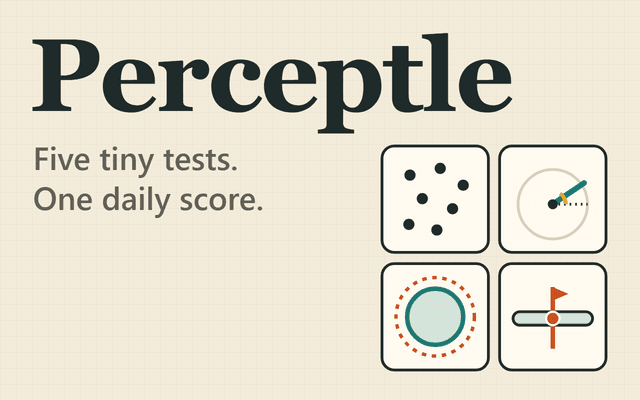
Short sessions suit games with a clear end: a timed round, a set number of questions, a daily puzzle. Perceptle is a two-minute daily challenge made of five tiny tests, which fits a gap between tasks. Krillion gives seven open prompts with 25 seconds each, so a full run has a known ceiling.
Longer sessions suit games where progress builds on itself, such as strategy, simulation or adventure. If you have a long stretch free, pick one of those and avoid anything that restarts you from zero after every mistake.
- A few minutes: daily puzzles, single timed rounds
- A short stretch: a few rounds of an arcade or puzzle game, one multiplayer match
- Half an hour or more: strategy, simulation, adventure, escape games
Match the game to your input
Check how the game is controlled before you press play. Some games are built for keyboard and mouse and feel clumsy with a thumb. Racing, shooting and platformers usually want held keys and fast aim, so they play best on a computer.
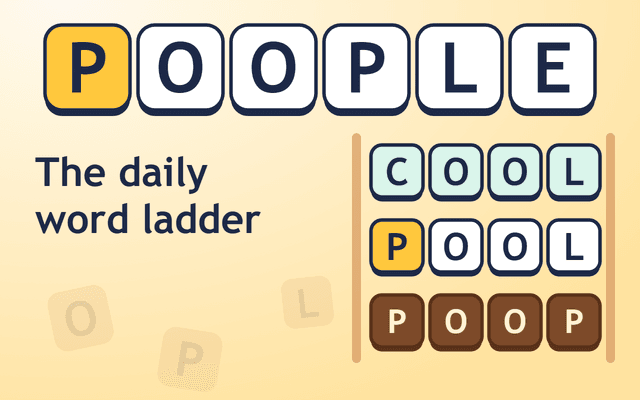
Typing and tapping games are more forgiving. Farflung asks you to tap a country on the map or type its name, then press Drop pin. Poople lets you tap a tile and type a letter, or type a whole four-letter word and press Enter. Those work with either a keyboard or a touch screen.
If the game page has a controls text, read the first two lines of it. It takes a few seconds and tells you whether the game fits your setup.
Decide what kind of challenge you want
Ask what you want to use up: reflexes, memory, vocabulary, planning, or nothing much at all. Tired brains rarely enjoy a precision platformer, and sharp ones get bored by a game that plays itself.
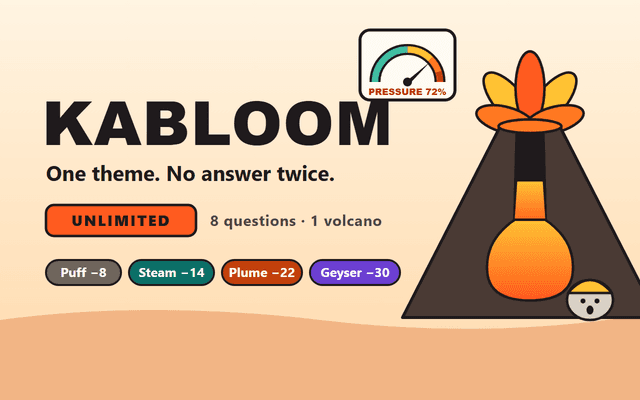
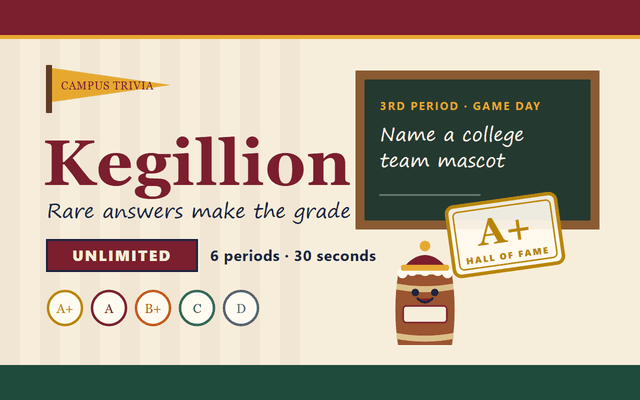
Knowledge games reward recall and lateral thinking. Noillirk and Anything Grid both score rare answers higher than obvious ones, so the first thing you think of is usually the weak play. Kabloom lets each answer be used only once, which turns eight questions on one theme into a planning problem.
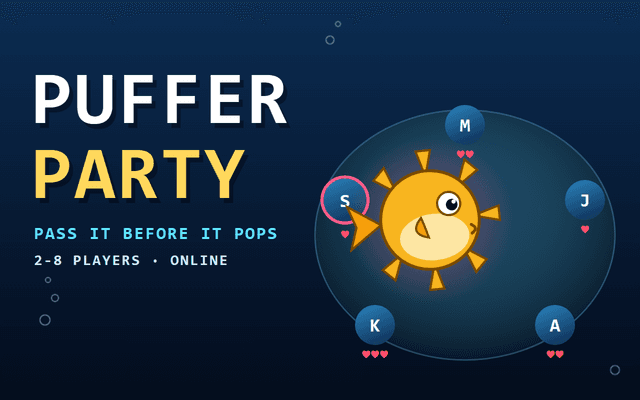
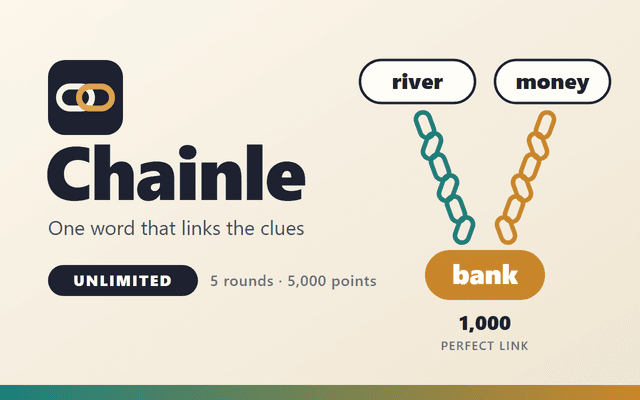
Word games lean on vocabulary and pattern spotting. Chainle asks for one word that links two or three clues across five rounds. Puffer Party is the social option: 2 to 8 players name valid answers to a shared category while holding the puffer fish.
Pick the effort first, then the genre. It narrows the list faster than browsing by title.
Judge a game in the first minute
You do not need to finish a game to know whether it suits you. Use the first minute as a test and leave without guilt if it fails.
Watch for how quickly you understand the goal, whether the controls respond when you press them, and whether a failure feels like your mistake or the game's. A game that explains itself in one screen and punishes you fairly is usually worth more of your time.
- Can you state the goal in one sentence after half a minute?
- Do the controls respond the way you expect, with no lag or odd mappings?
- Does the first mistake teach you something?
- Is the pace what you wanted: frantic, steady or slow?
- Would you press restart without thinking about it?
Use categories and collections
Categories are the quickest filter when you know your mood. Puzzle, Arcade and Casual suit short sessions. Strategy, Simulation and Adventure suit long ones. 2 Player and Multiplayer cover games you play with other people, and Educational covers games built around learning.
Pair a category with your input. If you are on a phone, start in a category that tends toward tapping, such as Match 3, Bubble Shooter or Mahjong, and be cautious with Racing or Shooting until you have checked the controls.
The New and Popular pages are good for discovery when you have no preference. New is useful because games are added every week, so it changes often.
Use search and similar games
Search works best with a mechanic or genre rather than a vague mood. Typing a word like parking, mahjong or trivia gets you more useful results than typing fun.
Once you find a game you like, use the similar games below it. That list is usually a faster route to your next game than going back to the category page, because it starts from something you already enjoyed.
Keep a short habit: pick two or three candidates, give each a minute, and stay with the one that passes the first-minute test.
Frequently asked questions
What is a good game for a short break?
Pick something with a fixed end. Perceptle is a two-minute daily challenge, and a daily trivia game such as Krillion has seven prompts with a 25-second limit each, so you know when it will finish.
Which of these games are better with a keyboard?
Games where you type answers, such as Noillirk, Wonderhop or Chainle, are easier with a keyboard. Farflung and Poople let you tap, so they also work on touch.
Is there a game to play with friends?
Puffer Party is a multiplayer word game for 2 to 8 players. You can play against bots or create a room for your friends.
What if I want trivia but not the obvious answers?
Try Noillirk or Anything Grid, where rarer answers score better. Kabloom adds a twist by allowing each answer to be used only once.
How do I know if a game is too hard for me?
Watch your first few attempts. If you cannot tell why you failed, the game is unclear or too demanding for your mood. If you can name the mistake, it is just hard, and that usually improves with practice.
Should parents check games before kids play?
Yes. Content and difficulty vary between games, so a parent should look at a game first before deciding whether it fits a child.