Driving and Drifting Tips
Most driving games reward the same few habits: slow down before the corner, not in it, apply power smoothly, and look where you want the car to go. The details change from game to game, but these habits carry over, and they matter more than any upgrade.
5 min read
On this page
This guide covers braking, throttle, camera, recovery and upgrades, with notes on a few driving games on the site and the controls their pages list. Use it as a checklist for your first few runs in any new racer.
Check the controls first
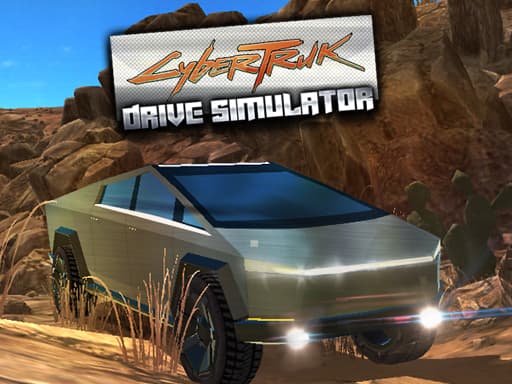
Spend the first minute reading the control list, because driving games differ more here than anywhere else. Russian Taz Driving 2 uses WASD to drive, Space to brake and C to change camera. Cyber Truck Drive Simulator uses W A S D or arrow keys, with Space to brake and options to switch camera angles.
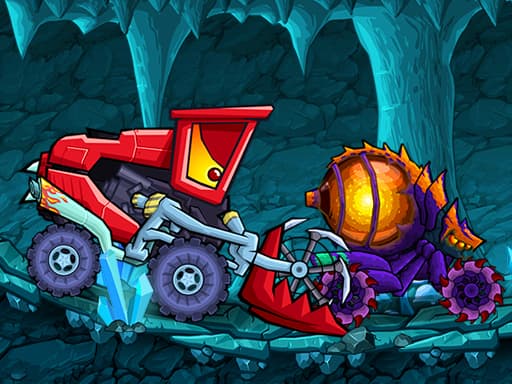
Car Eats Car: Dungeon Adventure and Car Eats Car: Winter Adventure split things differently: W is gas, S is brake, A and D balance the car, Space drops bombs and X is turbo. If you press the wrong key at speed, you lose a corner, so learn which key does what before you start pushing.
Roads Off Fury is listed as a keyboard game, so expect to play it on a computer rather than a phone.
Brake before the corner
The most common mistake is braking while already turning. A car that is slowing and steering at once tends to lose grip or push straight into the wall. Do your slowing in a straight line, then release the brake as you turn in.
A simple routine works in almost any racer:
- Spot the corner early and lift off the throttle.
- Tap or hold the brake while the car is still pointing straight.
- Release the brake as you begin to steer.
- Get back on the throttle once the car points at the exit.
Throttle control
Keyboard throttle is on or off, so you manage it by tapping. Short pulses on W keep the car moving without overwhelming the tyres, and they are especially useful on slippery surfaces or in a heavy vehicle such as the one in Cyber Truck Drive Simulator. If the back end keeps swinging out, you are probably holding the key down too long.
In games with a boost, such as the turbo on X in the Car Eats Car games, save it for straights. Using it mid-corner usually sends you wide, and a boost that ends in a wall costs more time than it gains.
Drifting basics
Drifting is controlled sliding. You get the car moving at a decent speed, turn in, and use the brake to break the rear grip. Then you steer against the slide and feed throttle to hold the angle. Too much throttle spins you, too little straightens the car out.
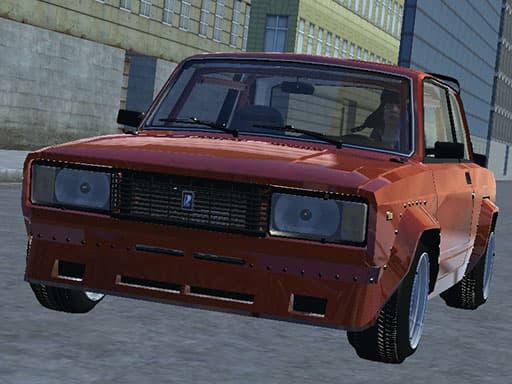
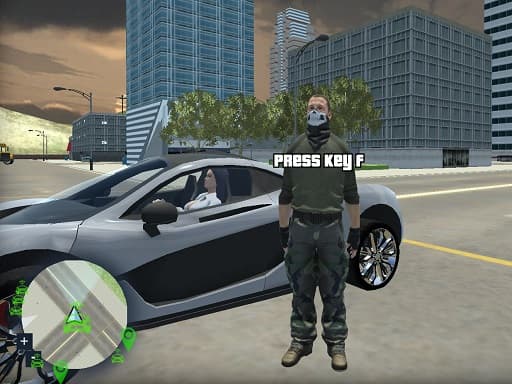
Russian Taz Driving 2 is built around driving and drifting across big city streets, with Space as the brake. Start somewhere open with little traffic and practise holding a slide in one direction before you try to link turns. Once a single slide feels steady, add a change of direction.
Pick the right camera
A camera that shows the road ahead helps at speed, while one close behind the car makes tight placement easier. Russian Taz Driving 2 lets you change view with C, and Cyber Truck Drive Simulator mentions several camera angles. Try each for a lap and keep the one where you can see the next corner early.
Judge a camera by how soon you see the exit of a corner, not by how good the car looks. If you keep clipping walls on the inside, pull the view back.
Recovering from crashes
After a hit, stay calm and do not hold the throttle while the car is facing the wrong way. Come to a stop, straighten up, then accelerate smoothly. Some games give you a reset: Crazy GTA Mercenary Driver lists G to reset the car.
In games like the Car Eats Car titles, where A and D balance the car, small corrections work better than holding a key down. Tap, watch the result, tap again.
Upgrades, only where they exist
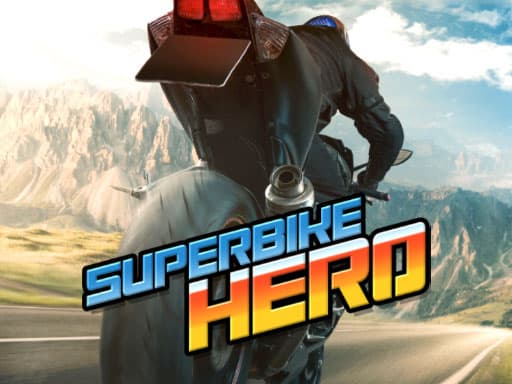
Not every driving game has upgrades. Superbike Hero does: its description mentions collecting coins and upgrading, along with boosting between opponents and hanging on around tight corners. Controls are touch to steer on mobile, and arrow keys or WASD on desktop.
When a game offers upgrades, handling and acceleration usually make you faster across a whole run than top speed alone, since you spend more time in corners than on straights. Treat that as a general rule and check how the car actually feels after each purchase.
Frequently asked questions
Should I use the keyboard or touch for driving games?
Use whatever the game page lists. Russian Taz Driving 2 and Cyber Truck Drive Simulator list keyboard controls, while Superbike Hero lists touch steering on mobile and keys on desktop.
Why do I keep spinning out when I drift?
Usually too much throttle or too sharp a steering input. Tap the throttle in short pulses and steer gently against the slide.
Is it better to brake or lift off the throttle?
For gentle corners, lifting off is enough. For sharp ones, brake in a straight line first, then release as you turn in.
What if my car ends up stuck or facing the wrong way?
Check for a reset key. Crazy GTA Mercenary Driver lists G to reset the car. Otherwise stop, straighten up and accelerate smoothly.
Do I need upgrades to do well?
Not always, and not every game has them. Superbike Hero mentions upgrades, but good braking and throttle habits help in every driving game.